How Clevaa works
From a question to “I can explain it”.
A Clevaa lesson has four parts. You ask. The tutor explains out loud while it draws. You cut in whenever something is unclear. At the end, you explain the idea back in your own words.
1 · Ask it your way
Speak or type a question, or start from one of the suggestions. Choose who the lesson is for (a kid, curious or an expert) and one of eleven languages, from English and Spanish to Hindi and Tamil. Your first two lessons need no account.
Studying from a book? Add a PDF chapter, your slides or a photo of your notes, and the tutor teaches from your pages. Turn your sound up; if you would rather not speak, type your questions instead.
2 · See it drawn
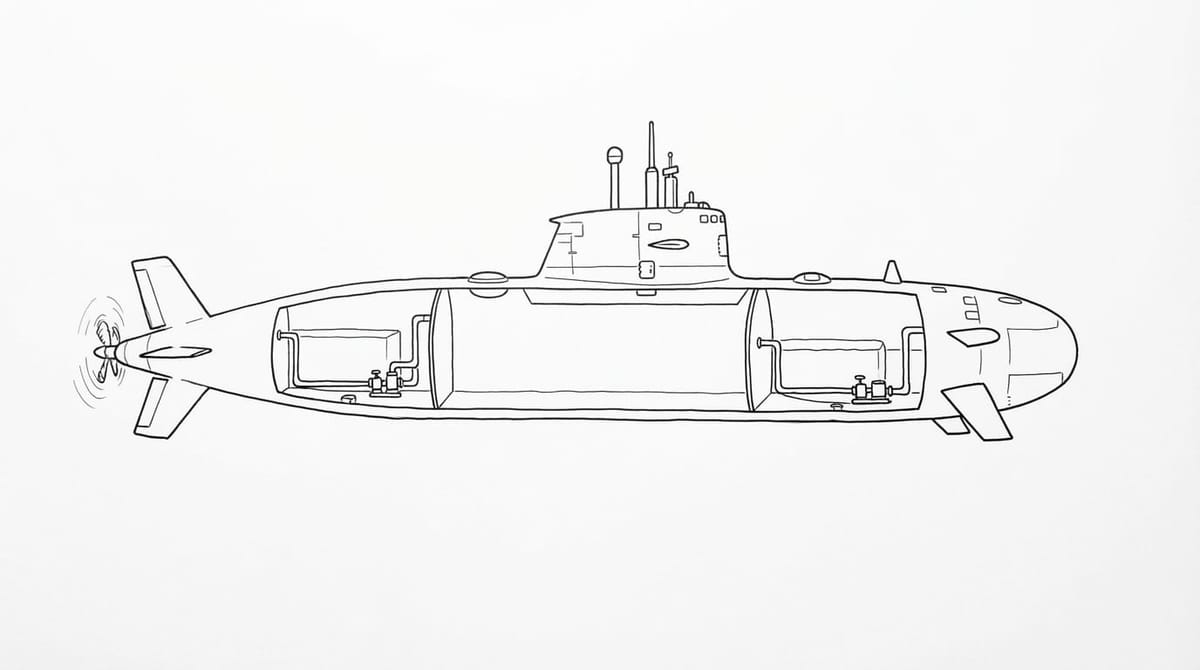
The tutor starts talking within seconds and a picture fills the screen. Labels, arrows and notes land on it as the matching words are said. A process becomes a diagram; numbers go on a board.
Open Captions to read along. Tap “Ask about this” on a line to put it in your question box.

3 · Cut in any time
Speak or type whenever something is unclear. Ask for it simpler, for another example, or for the part that lost you. The tutor answers on a new picture, then takes you back to where you were.
4 · Explain it back
At the end, the tutor asks you to explain the idea in your own words. It ticks what you got and names what is missing, so you know what to look at again. It is practice, not an exam or a grade.
The lesson is kept with its pictures, notes and what you explained back. Sign in to find it on any device; without an account it stays in the browser you used. Your first two lessons are free with no account, and a free account gives you five more. Each lesson has a time limit. AI explanations and pictures can be wrong, so check important details against reliable sources.
A few useful answers
Is Clevaa a video course?
No. The explanation and conversation are generated for the session. You can ask follow-up questions while you learn.
Can it teach from my textbook?
Yes. Add a PDF chapter, a slide deck, a photo of a page or your notes. The tutor reads your pages and teaches from them. For a long book, say which chapter or topic you want.
Do I have to use my microphone?
No. You can type your question and your follow-ups. Captions let you read the conversation, and the tutor also responds with audio.
Is my saved lesson a public web page?
No. A saved lesson opens only for you: on the browser that took it, or on any device once you sign in. Our public learning guides are separate from private session records.
Can Clevaa make mistakes?
Yes. Both AI explanations and generated visuals can be inaccurate. Use the linked sources in our public guides to verify ideas, and ask follow-up questions when a detail does not make sense.
TAKE THE NEXT QUESTION WITH YOU
What would you like to understand?
Start with your own question. Follow it with another.
Start a lesson ↗You choose when to start. Session availability and usage limits may apply.