


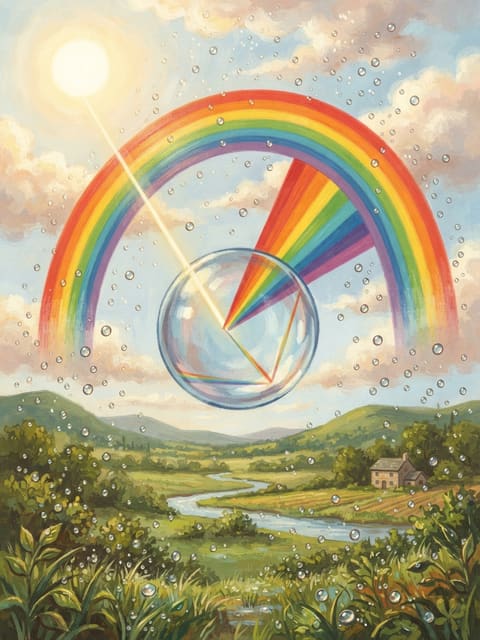
 How do rainbows form?
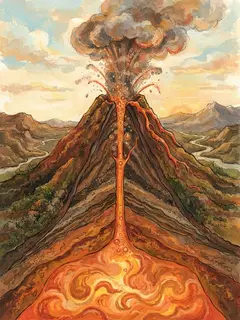
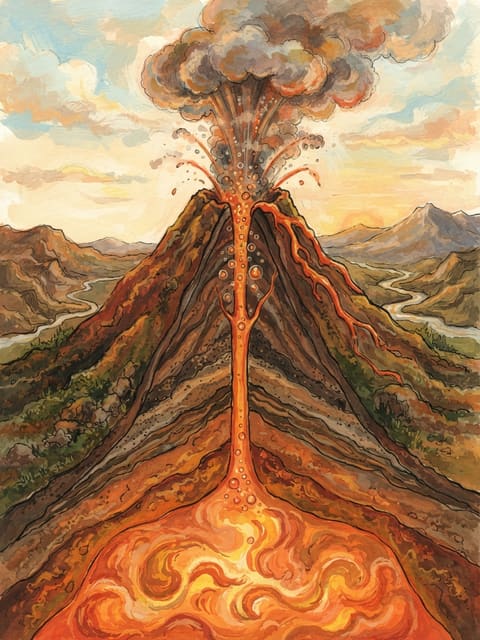 How do volcanoes erupt?
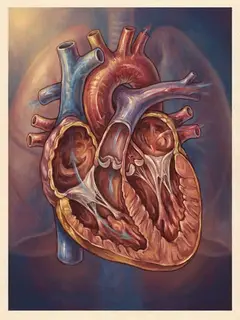
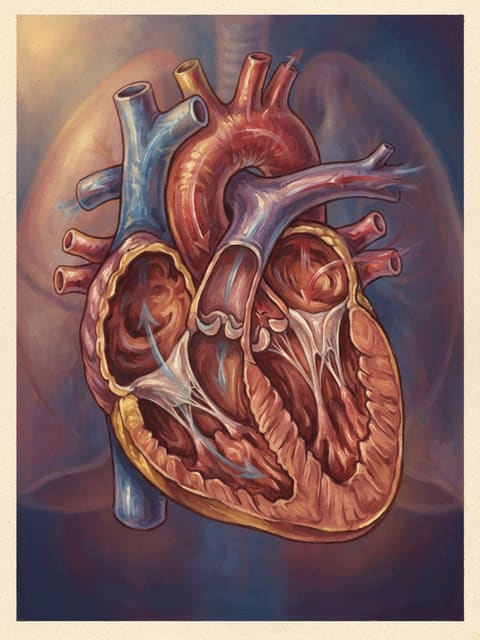 How does the heart pump blood?
 Clevaa.ai
Paused. Say “resume” or tap Resume.
Mic stays on unless muted. Session time still runs.
Getting ready to listen
Allow microphone access if your browser asks.
Clevaa
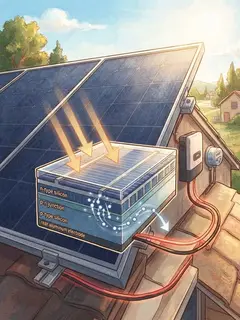
Wonder about something? Clevaa explains it out loud and draws it, one picture at a time, and follows wherever your questions go. Bring a book or notes and ask them anything too.
No sign-up for your first sessions. Sign in to keep them and get more.
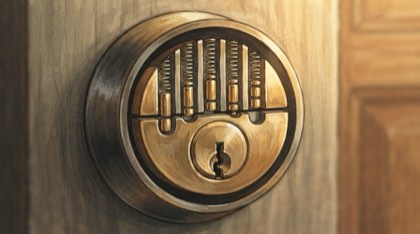
Someone asked “how lock and key works”. Six minutes later they had five pictures, four of them drawn for their own questions.
Ask it your way
Speak or type. Pick a level: a kid, curious or an expert.
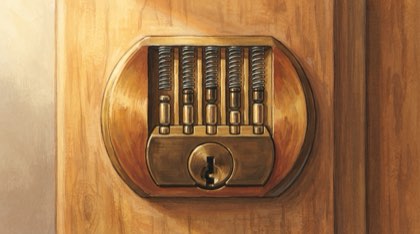
See it drawn
A picture fills the screen. Each label lands as Clevaa says its name.
Cut in any time
“Sorry, I didn’t understand this. Can you re-explain?”
A new picture comes for each question.
You let water into the tanks to get heavier and sink. Then you blow compressed air in…Seawater floods the tanksAir blows the water outWeight against the water pushed aside
Say it back
Every session ends with you saying it in your own words. Clevaa ticks what you got and names what’s missing. (From a session on how a submarine dives.)
Add a PDF chapter, your slides or a photo of your notes. Clevaa reads your pages and explains from them, in your language.
your sessions
The pictures, the notes and what you said back, on any device. A free account gives you more sessions.
for teachers and schools
Students sign in with a card, no email. Each week you see what your class asked, who could say it back, and where they need help. One class is free for four weeks while we are early.
See Clevaa for schoolsClevaa is AI and can make mistakes. Check important details with a trusted source. Children should explore with a parent or teacher.
Clevaa.ai
Paused. Say “resume” or tap Resume.
Mic stays on unless muted. Session time still runs.
Allow microphone access if your browser asks.